Keyboard shortcuts
Command palette
The fastest way to move around. Press ⌘K to open it, then fuzzy-search for a project, task, or action.
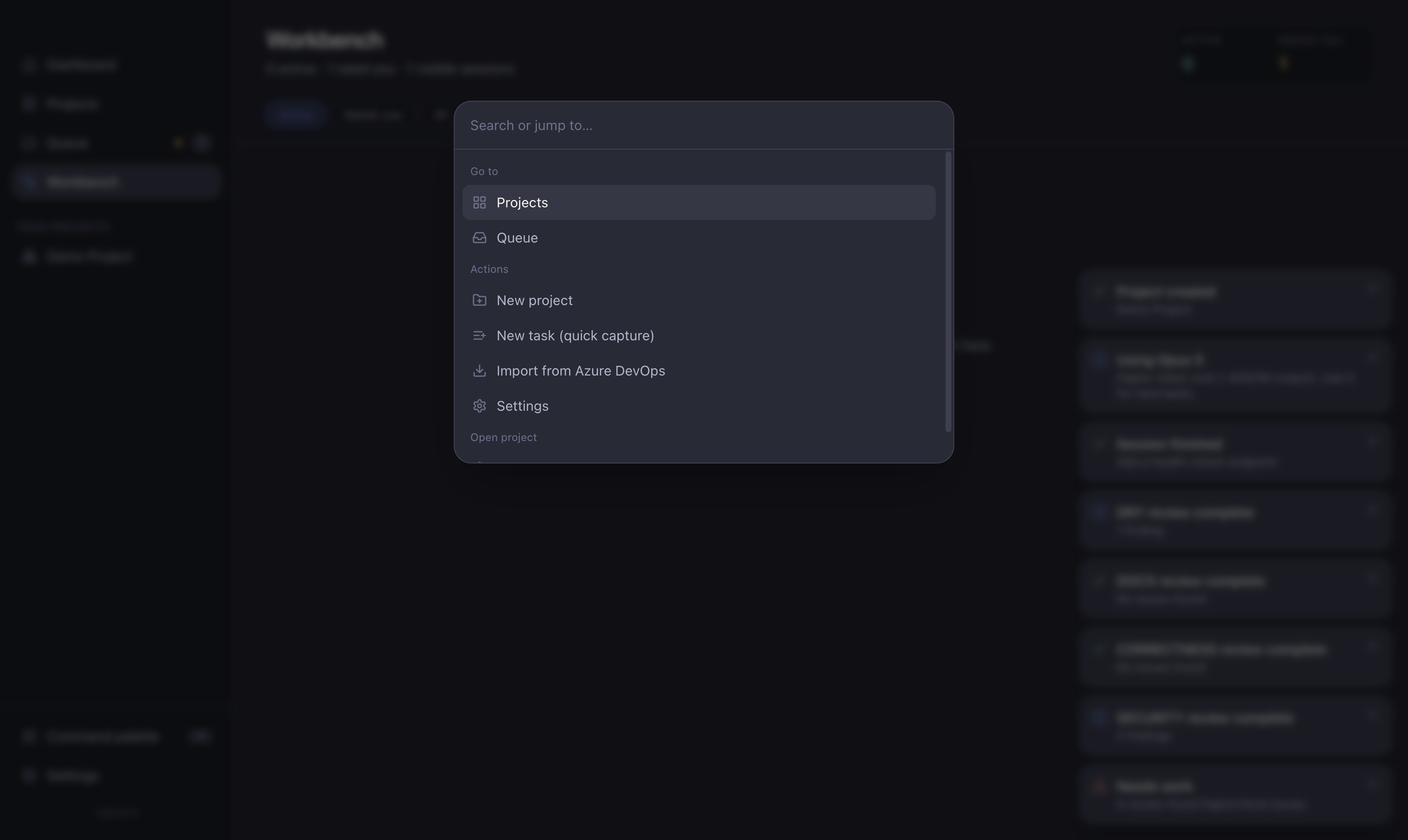
From the palette you can:
- Jump to any project.
- Create a new task.
- Search projects and tasks by name.
- Trigger app actions (open settings, and more).
Common shortcuts
| Shortcut | Action |
|---|---|
⌘K | Open the command palette |
⌘, | Open Settings |
Esc | Close the current modal / drawer / palette |
Enter | Submit the focused input (add task, send reply, answer question) |
TIP
When in doubt, hit ⌘K. It's the quickest route to almost anything without reaching for the sidebar.