Your first coding task
This quick start takes you from an installed app to your first reviewed change. Allow about ten minutes, plus the time the coding agent needs.
Before you start
You need AICoder, git, and at least one signed-in coding CLI. Follow Install AICoder if those are not ready yet.
1. Add a software project
Open the Projects view from the sidebar and click New project.
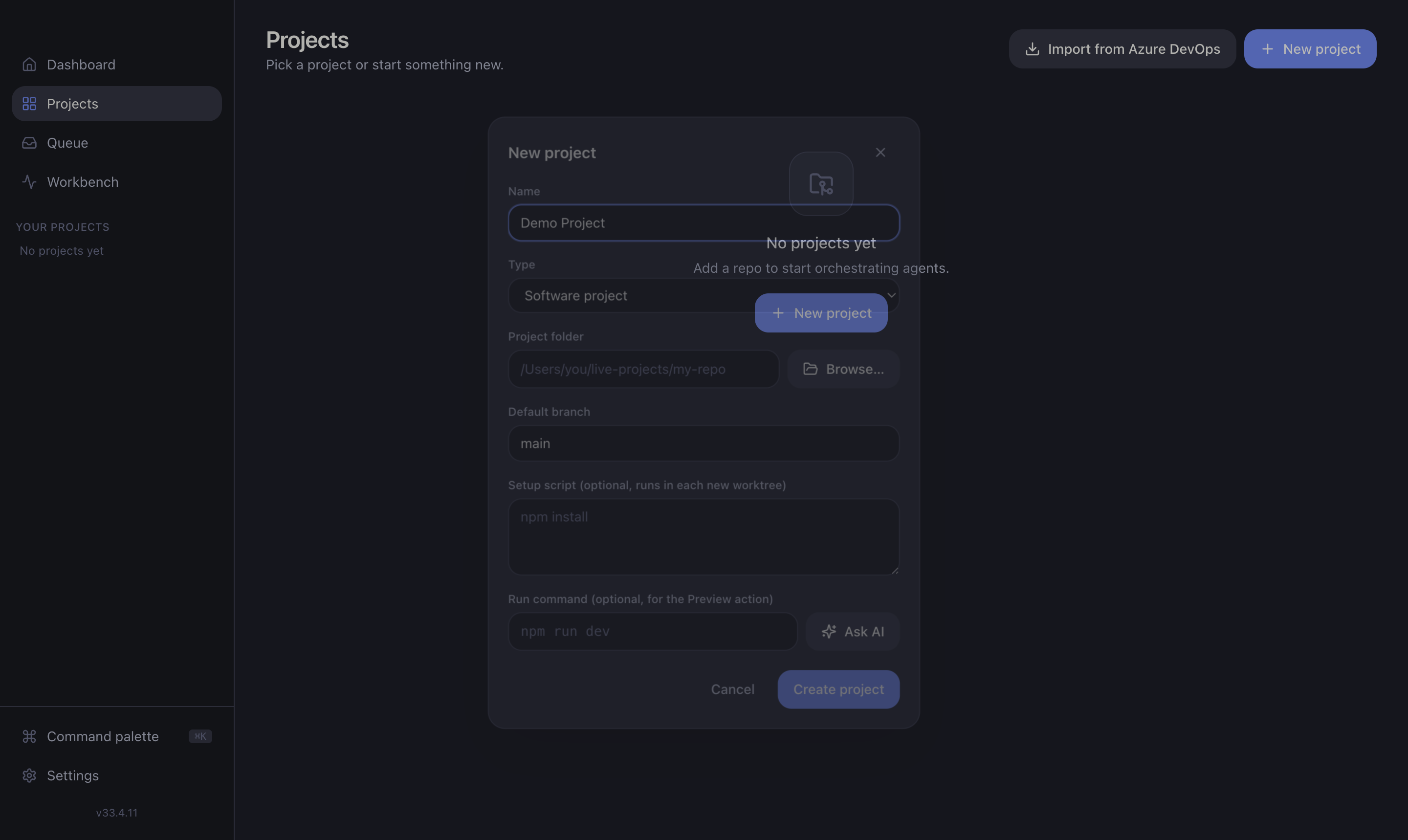
Fill in:
- Name — anything memorable.
- Repository path — the local folder of the git repo you want agents to work in.
- Base branch — the branch new tasks branch off (usually
main).
Click Create project. You now have a software project.
Azure instead of code?
Choose an Azure project if you want read-only infrastructure investigations rather than code changes. It needs no repo. See Azure investigations.
2. Describe a small task
Open the project. Its home is the Queue with a Backlog at the bottom. Type a task into Add a task… and press Enter.
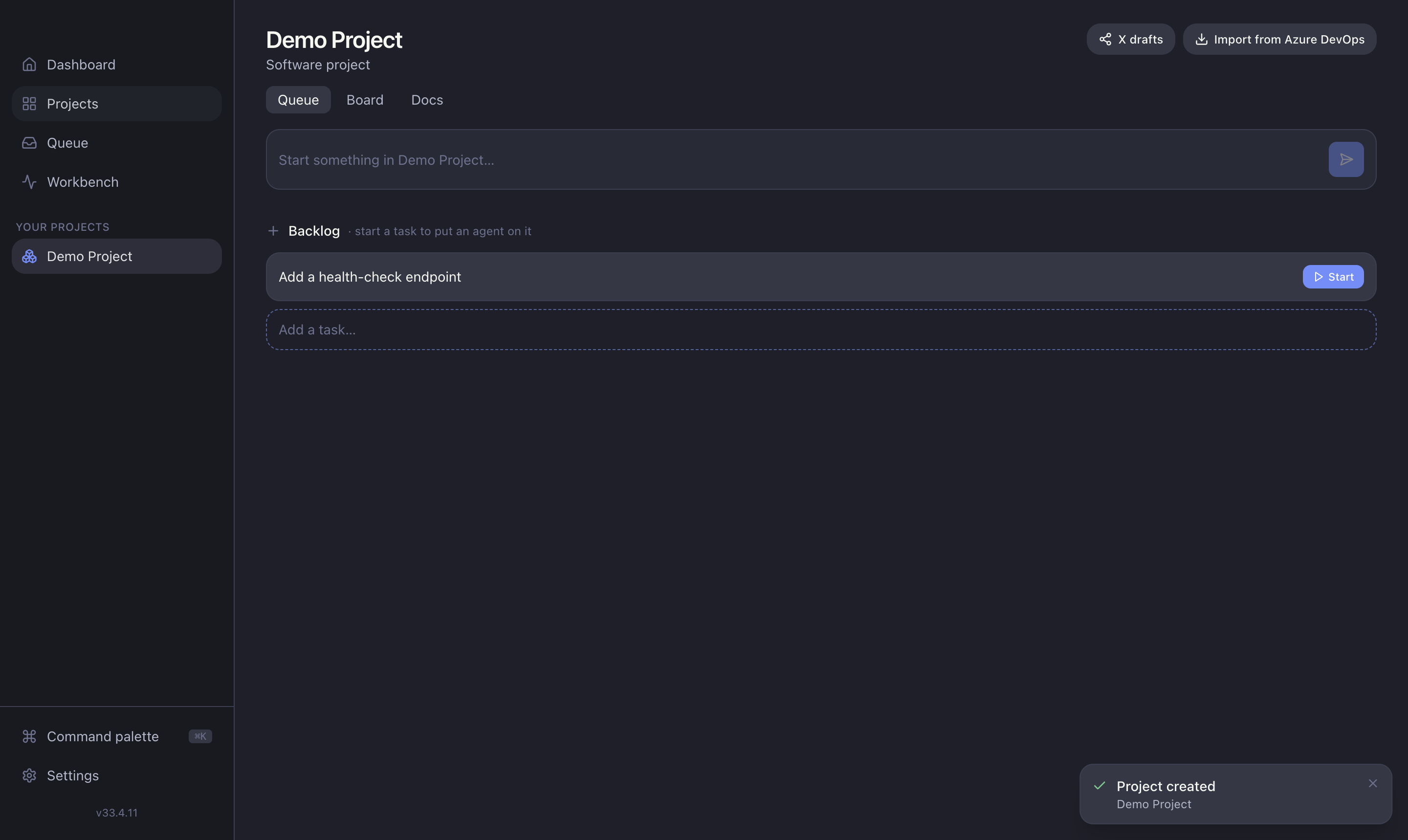
A task owns a branch off your base branch. For this first run, choose a small, verifiable change and use an action-oriented title such as “Add a health-check endpoint”. Add acceptance criteria in the description if the outcome is not obvious.
3. Run the coding agent
Click the task to open its drawer. Pick Claude Code or Codex, leave the model on Auto, then click Start now.
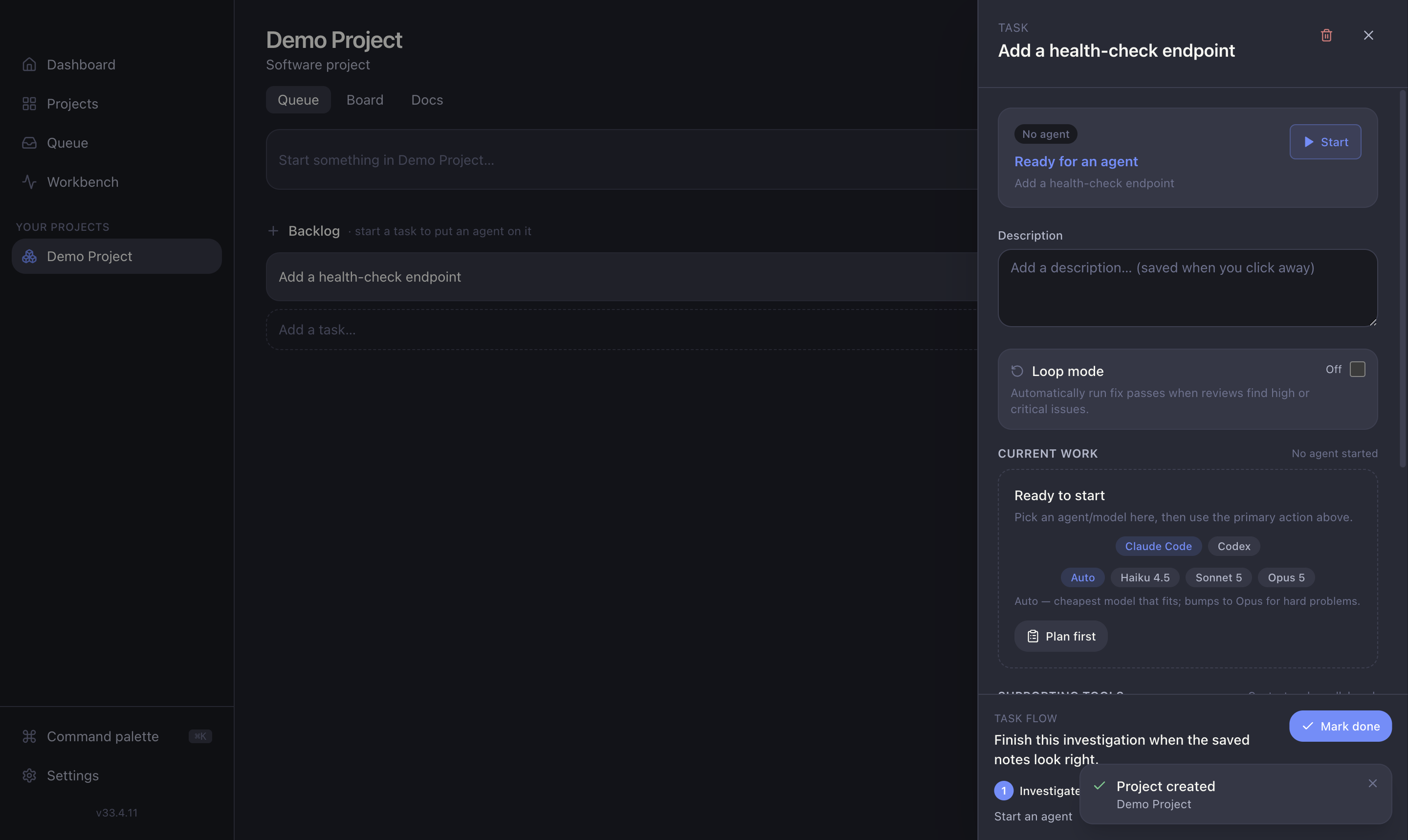
The agent starts in an isolated git worktree and streams its plan and progress. See Coding sessions for what the live view shows.
4. Review the result
When the session finishes cleanly, the review pipeline runs automatically. The finished run appears under Needs you in the Queue.
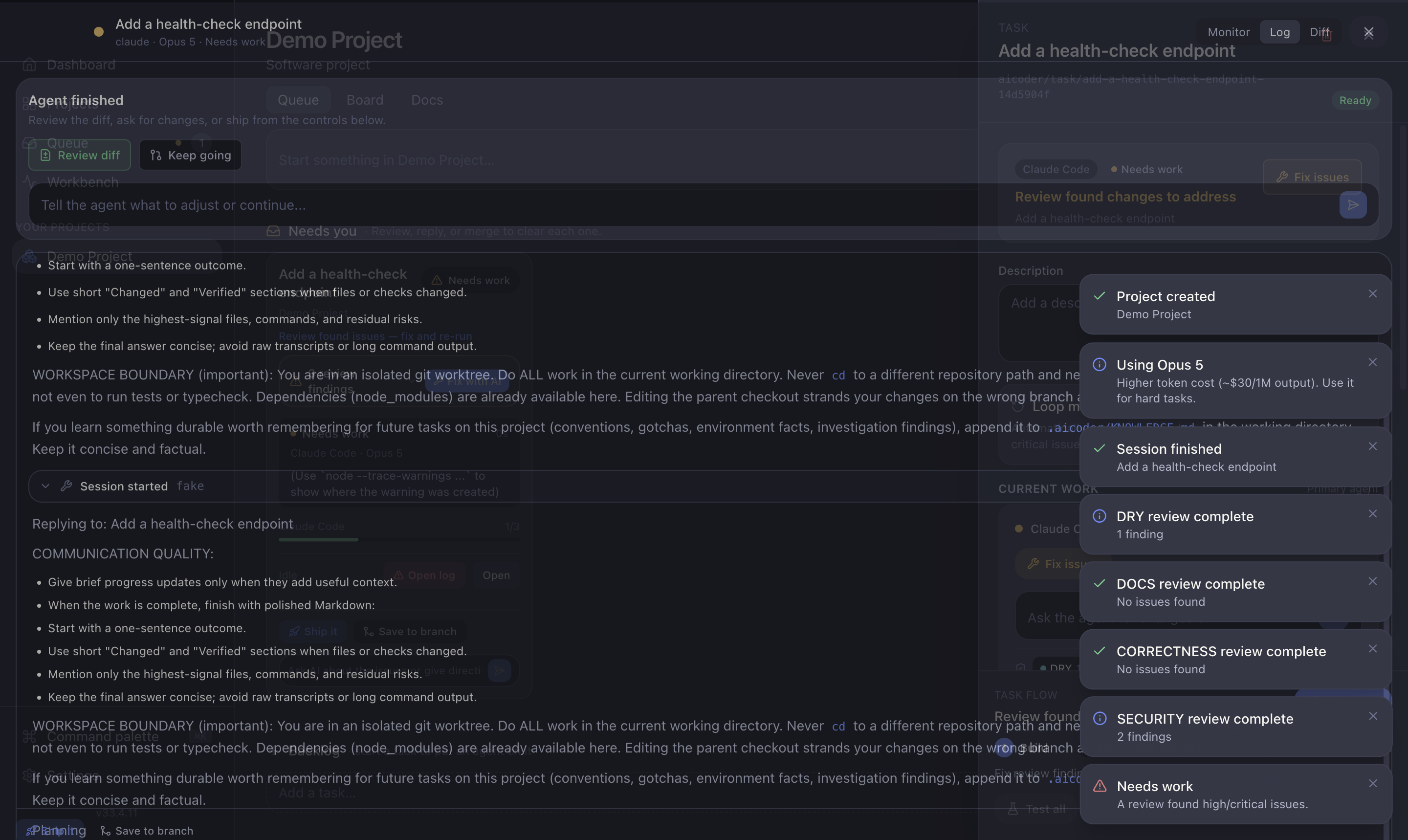
From here:
- Read every finding. Use Fix with AI for genuine issues.
- Open the diff and confirm the result matches the task.
- Run relevant tests or preview the app when appropriate.
5. Save and publish
When you are satisfied, follow the task flow through Save → Publish → PR. These are separate actions: saving does not push anything, and publishing does not create a pull request until you choose Open PR.
You have completed the core AICoder loop. Next, read Plan and run a coding task for day-to-day guidance or Core concepts to understand branches, worktrees, sessions, and reviews.