Workbench
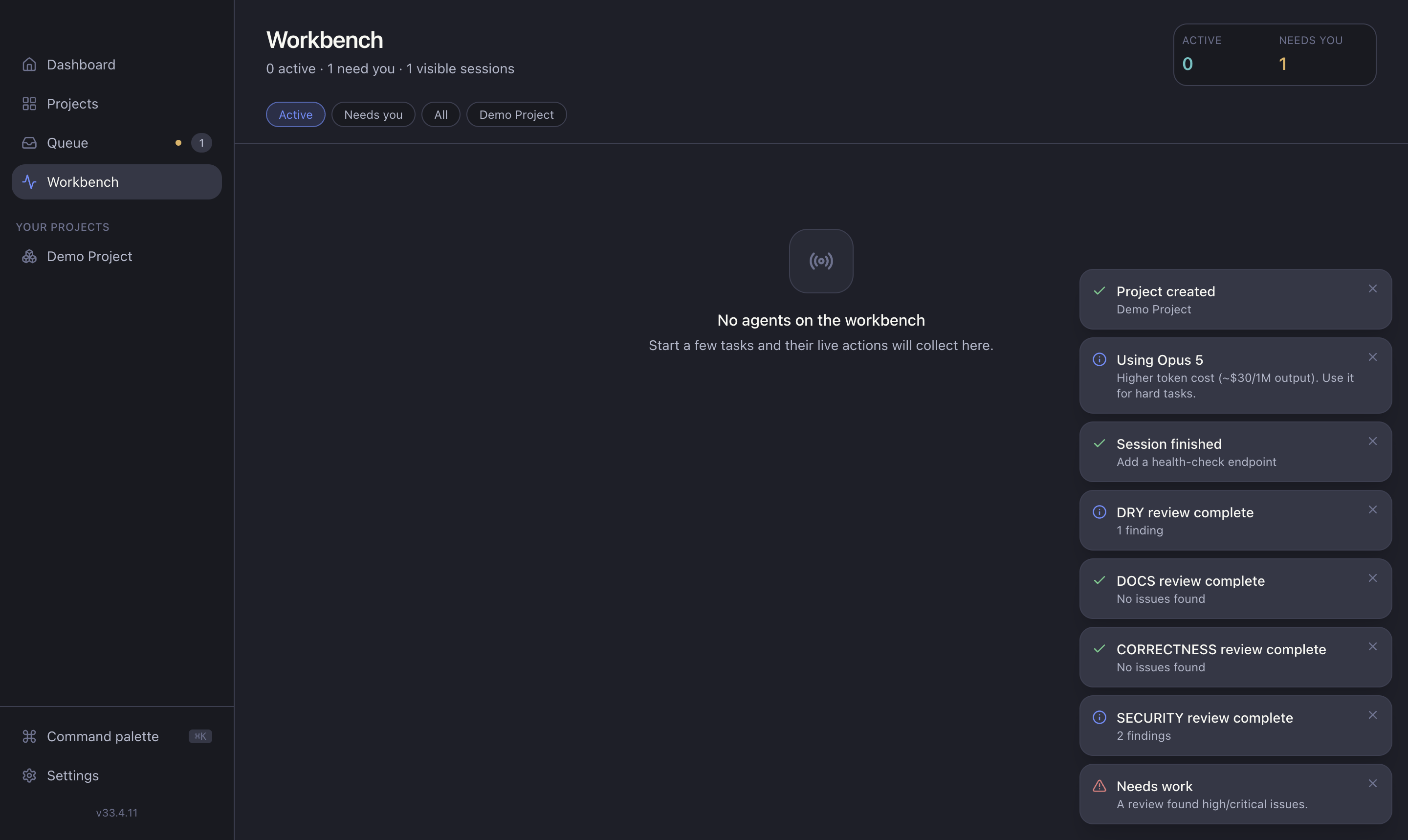
The Workbench is the live, everything-at-once view — the opposite of the Attention Queue. It's a grid of every active session across all projects, for when you want the firehose. Open it from Workbench in the sidebar.
What each session card shows
- Agent type and the task title it's working on.
- Status — running, waiting, or reviewing.
- Runtime — how long it's been going.
- Todo checklist — the agent's current work plan.
- Recent activity and any question it's waiting on.
- Quick actions — open the full session, or stop it.
The header
A metrics header summarises Active and Needs you counts, and filter tabs let you narrow the grid:
- Active — sessions currently running.
- Needs you — sessions waiting on input.
- All — everything.
- Per-project — one project at a time.
When to use it
- Multi-project orchestration — watch several agents at once.
- Spotting stuck sessions — find the one that's been waiting too long.
- Killing a runaway — stop a session that's gone off track.
Queue vs Workbench
The Queue pulls you only toward decisions. The Workbench shows you everything. Use the Queue to work; use the Workbench to watch.