Dashboard
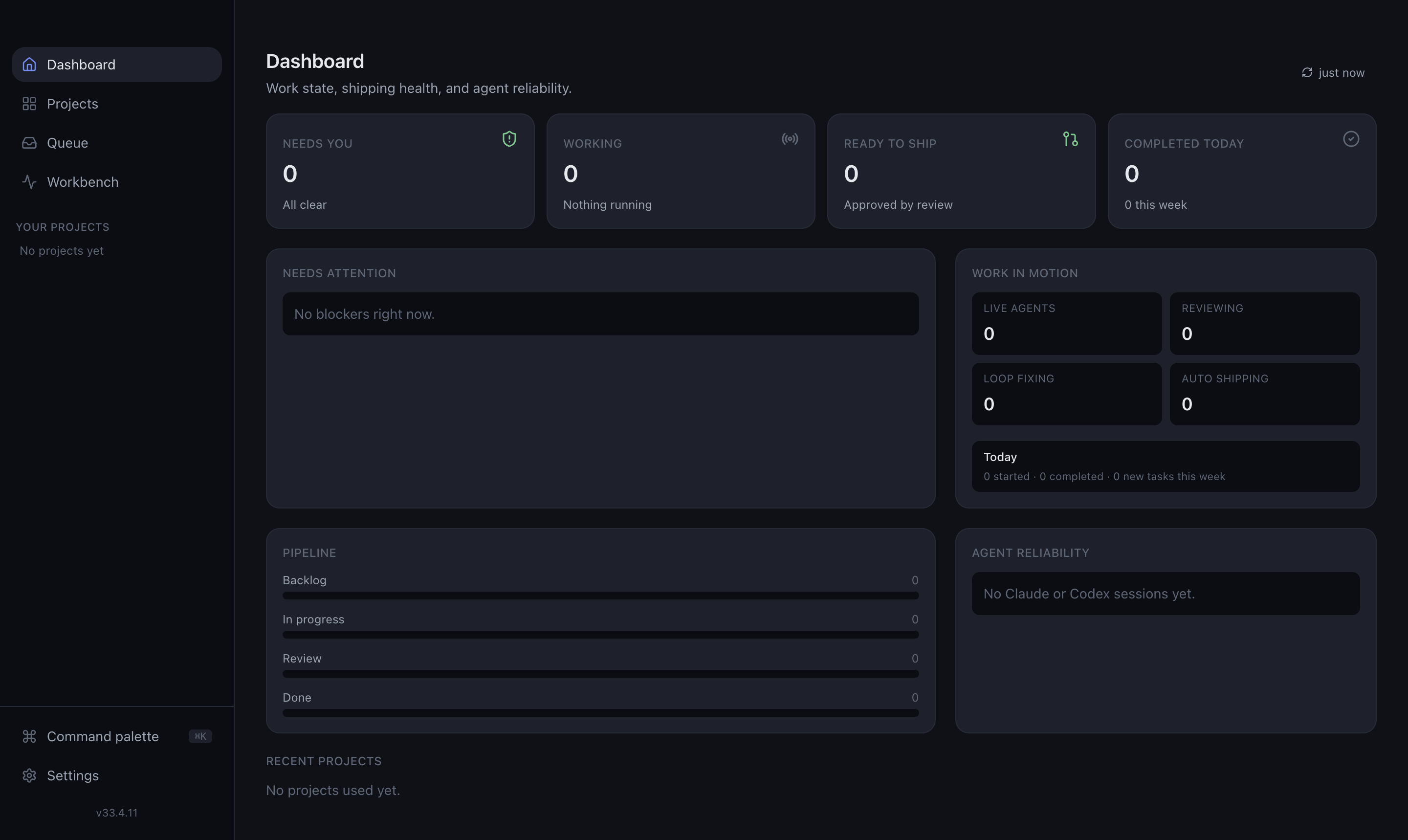
The Dashboard is the landing view — a top-level summary of what's happening across all your projects. Reach it any time from Dashboard in the sidebar.
What it shows
- Live counters for the things that matter across every project:
- Questions waiting — sessions blocked on your input.
- Active sessions — agents currently running.
- Running agents — parallel work in flight.
- Ready to ship — approved work waiting to merge.
- Issues found — reviews with outstanding findings.
- Failed shipments — pushes or PRs that didn't complete.
- Spend today — how much subscription quota you've used, so cost never surprises you.
- Quick jumps — each counter links straight to the sessions behind it.
When to use it
- Start of day — a single glance at what needs you.
- Finding bottlenecks — spot the project with the most questions or issues.
- Watching cost — keep an eye on today's spend.
From here, drill into the Attention Queue to act on individual sessions, or open a project directly.