Attention Queue
The Attention Queue is the home of the app — a decision-first inbox. Instead of a wall of running agents, it shows only the sessions that need a human right now. Open it from Queue in the sidebar.
The sections
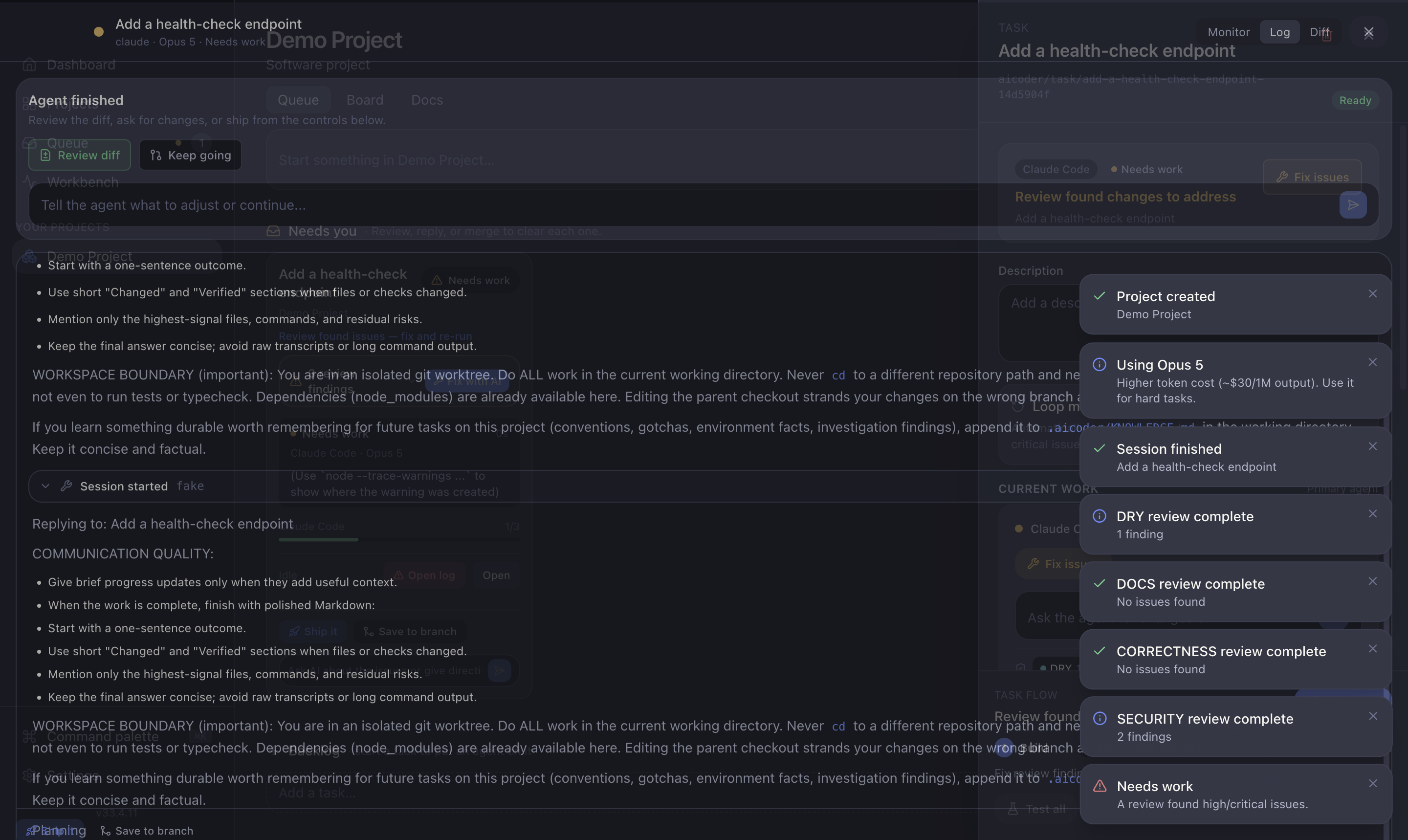
- Needs you — sessions blocked on you: a question to answer, a review to approve, or work that's ready to ship. This is where your attention goes.
- Working — sessions running in the background. Nothing to do yet; they'll move to Needs you when they need you.
- Done — recently finished tasks, kept for reference.
The sidebar's Queue badge shows the count of needs-you sessions (or the working count if none need you), so you can see at a glance whether anything is waiting.
What you can do here
- Answer a question — type a reply inline to unblock a stuck agent.
- Approve or fix a review — accept the change, or send the findings back to the agent with Fix with AI. The card shows how many findings there are and their severity mix; click the line to read them in the full-screen findings viewer.
- Ship — merge, push and open a PR without leaving the queue. See Shipping.
- Start backlog work — each project's Backlog sits below the queue; add a task and start an agent on it.
Empty state
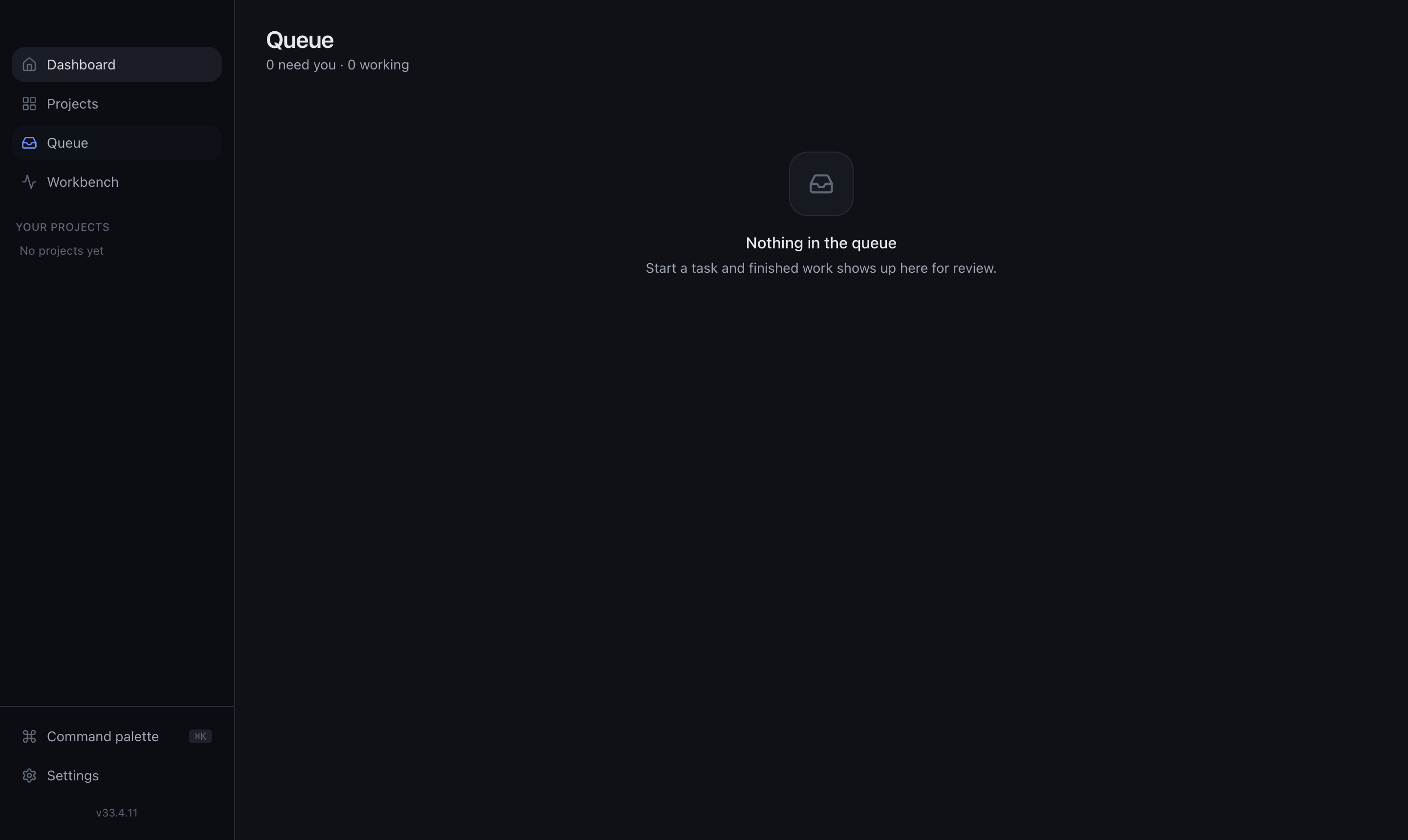
When nothing needs you, the queue says so — that's the goal.
Global vs per-project
Open the Queue from the sidebar for a global view across every project, or open a project to see just its queue and backlog.
TIP
Prefer a live view of everything running instead of just what needs you? Use the Workbench.