Settings
Settings configure the whole app — models, tools, appearance and integrations. Open it from Settings at the bottom of the sidebar (or ⌘,).
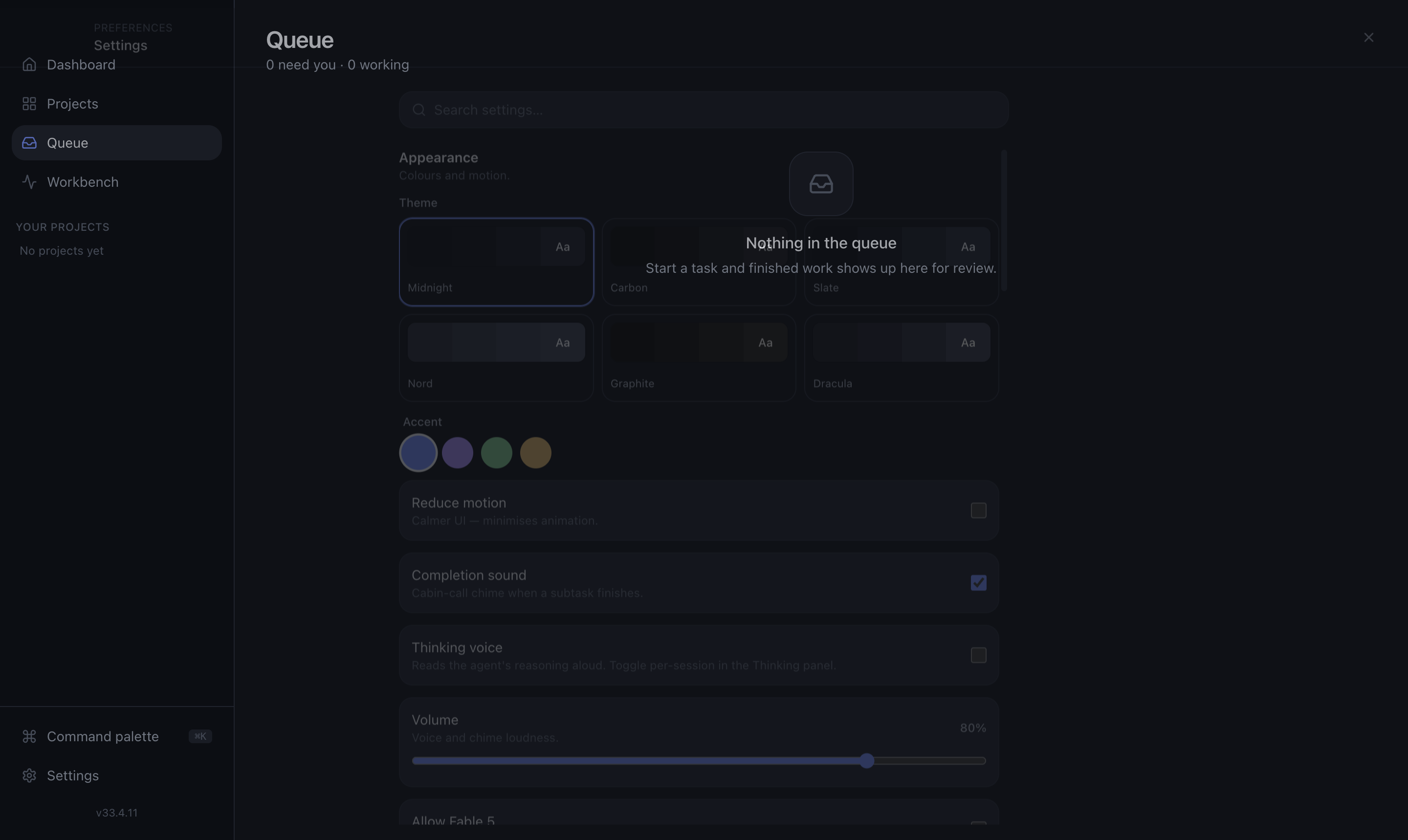
Appearance
- Theme — light, dark, and named themes like Dracula.
- Accent color and reduce motion.
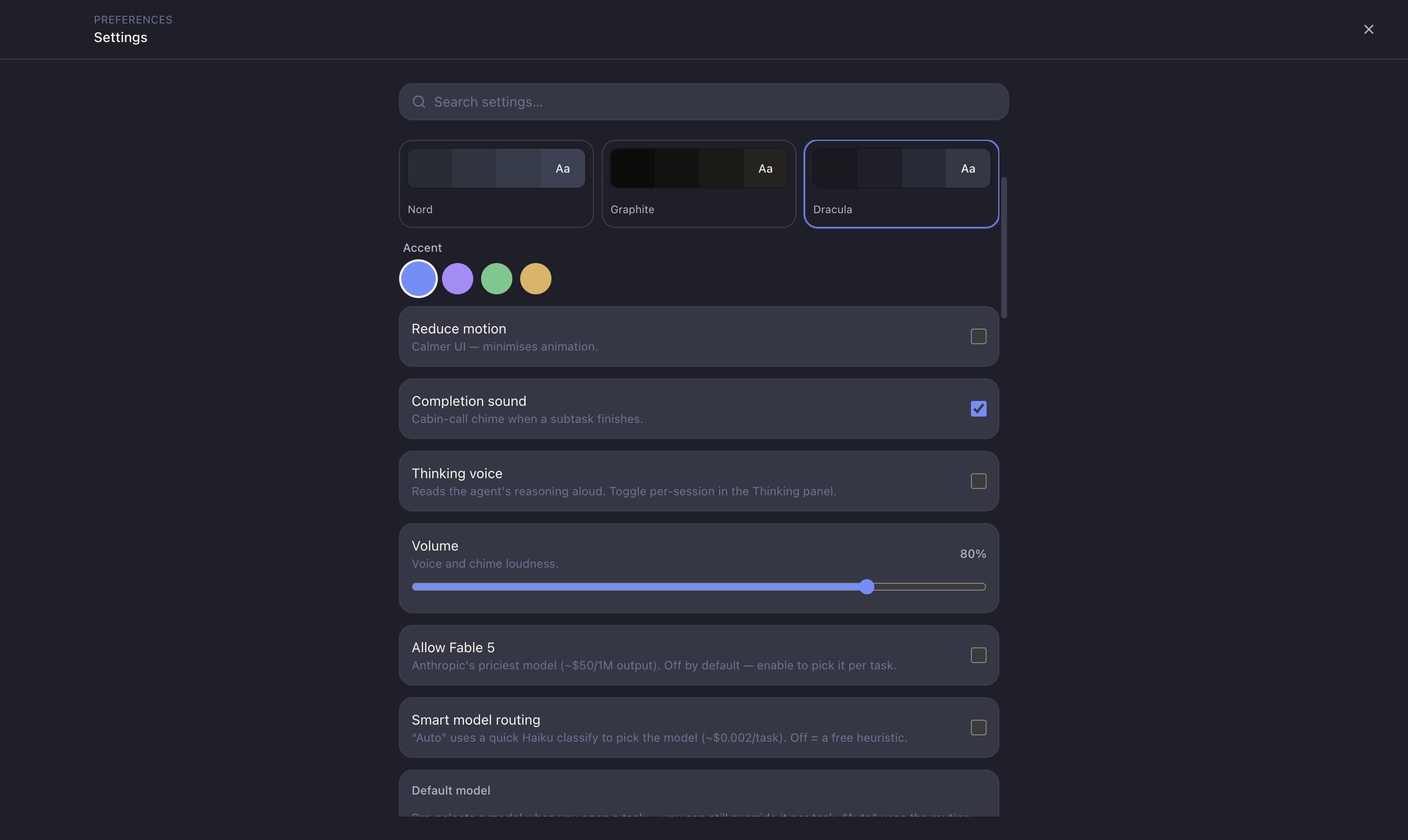
AI models
The most important cost lever — see Model routing.
- Default Claude model — used for planning, reviews and auxiliary work.
- Default Codex model — used when coding with Codex.
- AI routing — automatic (route each job to the cheapest capable model) or manual (fixed per task).
- Fable / Opus allowlist — opt in to expensive models; they warn before they run.
Agent tools
Checkboxes control which commands agents may run (npm, git, curl, …). Coding sessions run with --permission-mode acceptEdits and this allowlist — so agents can run lint and tests, but nothing dangerous is enabled by default.
Reviews
Define custom review checks that run alongside the built-in DRY / Docs / Security passes. See Reviews.
Ship
Defaults for the shipping flow — for example auto-merge behaviour and PR strategy.
Text-to-speech
Optional voice for agent thinking and a completion sound, so you can step away and still know when a session needs you.
Azure DevOps
Connect your ADO organisation (URL + PAT) to import work items as tasks. The PAT is encrypted via the OS keychain and never exposed to the UI.