Coding sessions
A session is one run of an agent on a task. The session panel is where you watch it work and step in when needed.
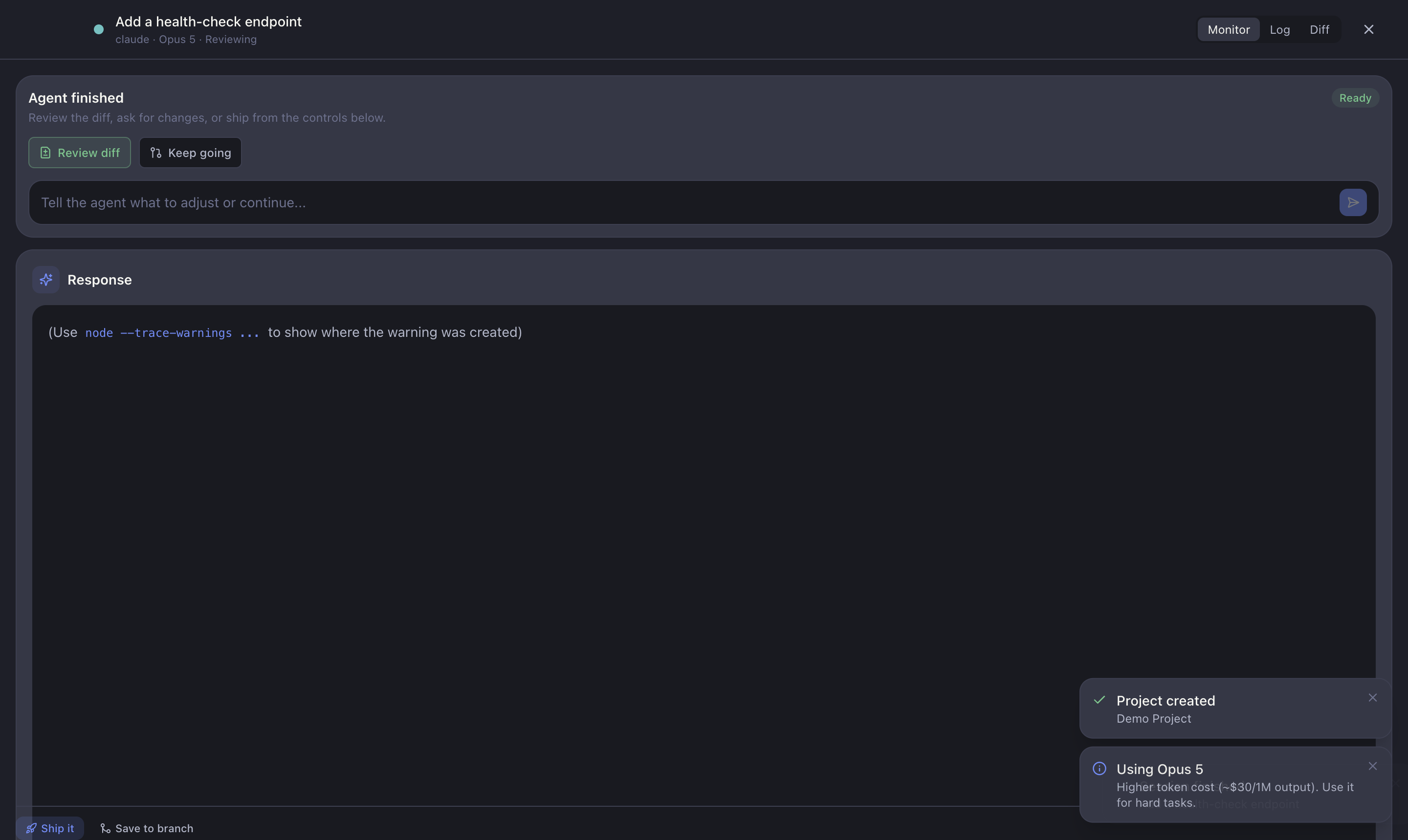
The three tabs
- Monitor — the current step, the agent's todo list, and its live thinking. The at-a-glance view of what the agent is doing right now.
- Log — the full streaming output: every tool call and decision, rendered as command blocks.
- Diff — the live diff of changes as the agent writes code.
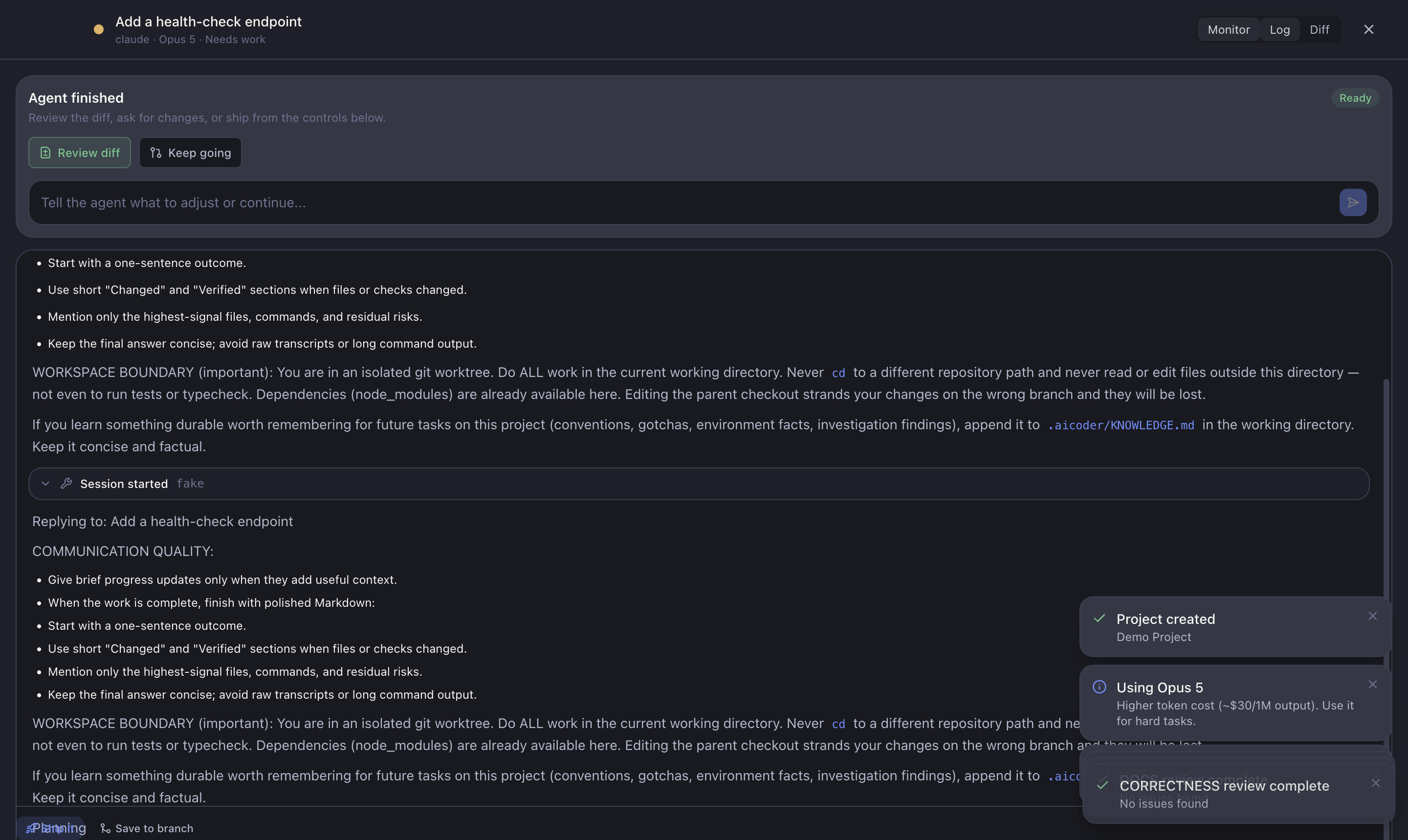
Answering questions
If the agent gets blocked, it asks a question. A question box appears in the session (and the session moves to Needs you in the Queue). Type your answer to unblock it — the agent resumes with your reply in context.
Follow-ups
You can send follow-up instructions mid-session — for example "also update the tests" — without restarting. Suggested next steps appear as a follow-up bar.
Parallel agents
When a task has several agents running, a rail on the left lists them so you can switch between concurrent agents quickly.
Controls
- Close session — leave the session running in the background (it stays in the Queue / Workbench).
- Stop / kill — end a session that's stuck or going the wrong way.
- Resume — pick a paused session back up with its remembered context.
What happens when it finishes
A clean exit triggers the automatic review pipeline. The finished run then appears under Needs you in the Queue, ready for you to review the diff and ship.